Text → 2D quest
Describe an idea or upload a book — the quest builds itself: world, characters, dialogue and goals.
Paste a novel, a short story or a story of your own — AI builds a 2D quest from it: places, characters, dialogue and puzzles. A few minutes later you can play it right in the browser.
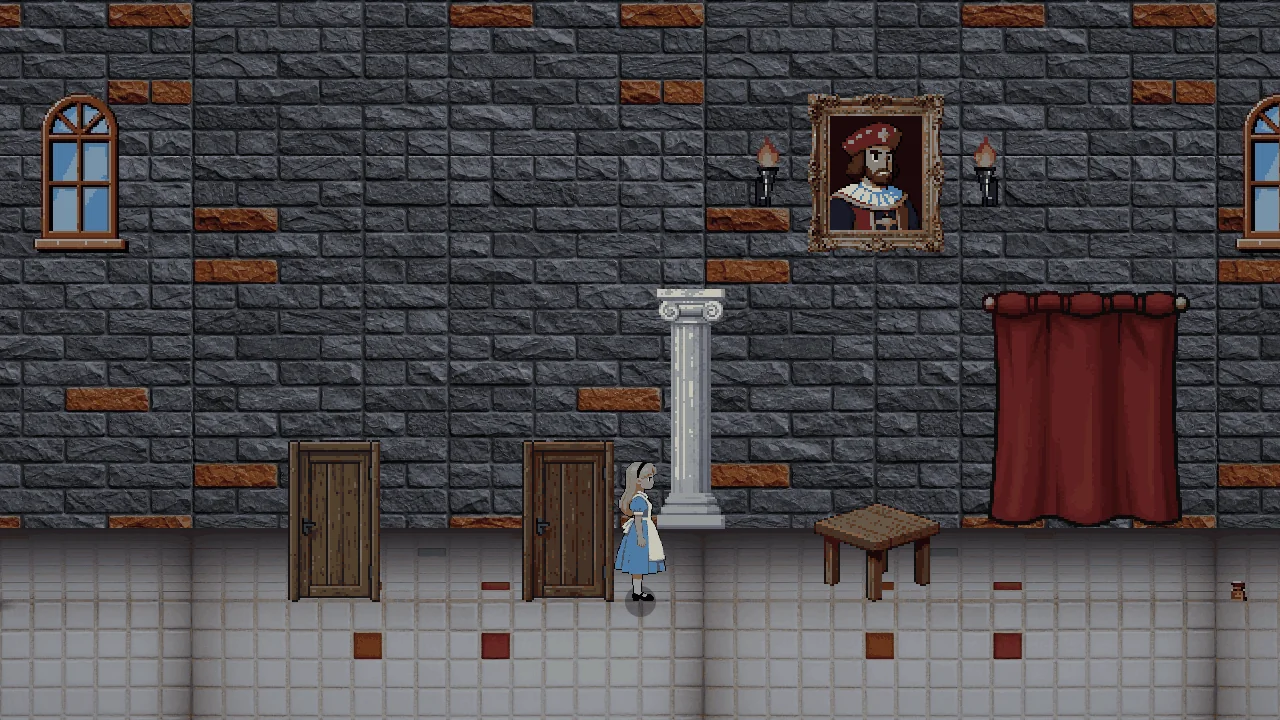
Samples: quests FoldQuest built from the classics
 3 chapters
15 locations
63 goals
Alice in Wonderland
Down the Rabbit Hole
Paste a text or upload a file — AI builds the world, characters and puzzles in 3–10 minutes
Everything FoldQuest does — from the first line of text to a living game world
Describe an idea or upload a book — the quest builds itself: world, characters, dialogue and goals.
Follow the progress step by step — from reading the plot to a finished game world.
Travel between connected locations — the map opens up as the story unfolds.
Characters tell you about the world and give hints — and after events they say new things.
Collect items — they carry over between chapters and show up in your journal.
Use items on characters, objects and doors — one item can unlock a lot.
Goals are linked: complete one and new objects and passages appear in the world.
The journal records the places you visit, the items you find and the conversations that matter.
Fantasy, sci-fi, post-apocalypse — the atmosphere and scenery adapt to the story.
Using an item can change a scene — and open a new branch of the story.
No scene is hard-coded into the engine — every book makes a unique quest.
Long stories are split into chapters, and your progress carries over from chapter to chapter.
A finished quest starts right away — nothing to install or set up.
Play with your finger: tap to walk, tap an object or a character to interact. Hold the screen in landscape.
Download the game's source code and run your quests locally in Godot 4
.json) into the folder quests/ as quest.jsonLicense: MIT — free to use, modify and distribute, including for commercial purposes.